
HUION Graphics Tablet Kamvas Pro 16 15.6 Inch Monitor for Artist Drawing Full-Laminated Screen Compatile with PC Windows MacOS


HUION Graphics Tablet Kamvas Pro 16 15.6 Inch Monitor for Artist Drawing Full-Laminated Screen Compatile with PC Windows MacOS
SPECIFICATIONS
Battery Included: No
Brand Name: HUION
Certification: CE
Display Area: 344.16x193.59mm
HUION Model: Kamvas Pro 16
High-concerned chemical: None
Interface Type: USB
Material: Plastic
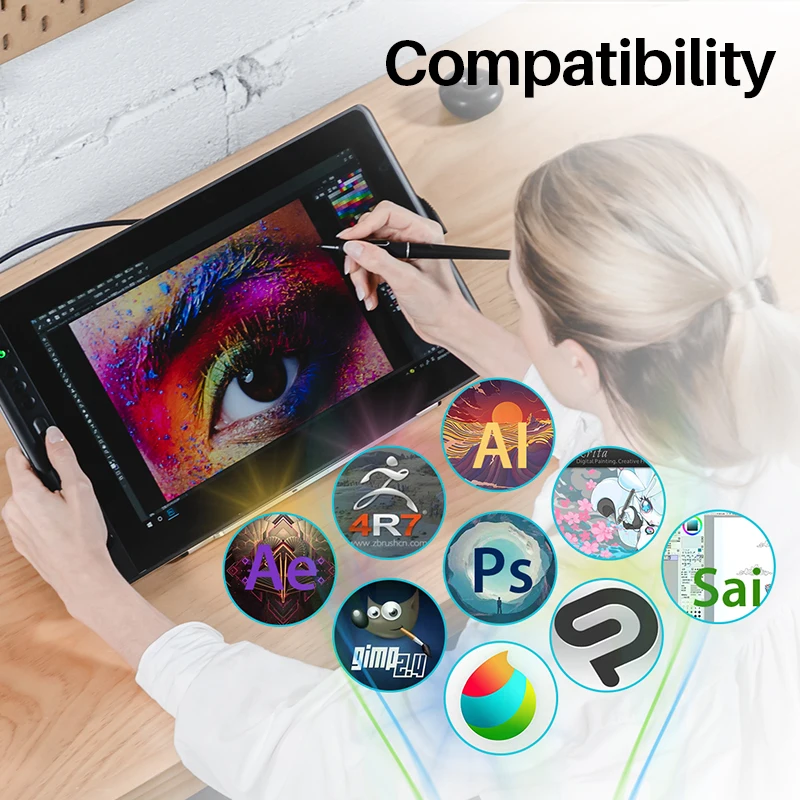
OS Support: Windows 7 or above,macOS 10.12 or above
Origin: Mainland China
Package: Yes
Pressure Levels: 8192
Report Rate: 266PPS
Resolution Ratio: 5080lpi
Screen Resolution: 1920x1080
Screen Size(diagonal): 15.6"
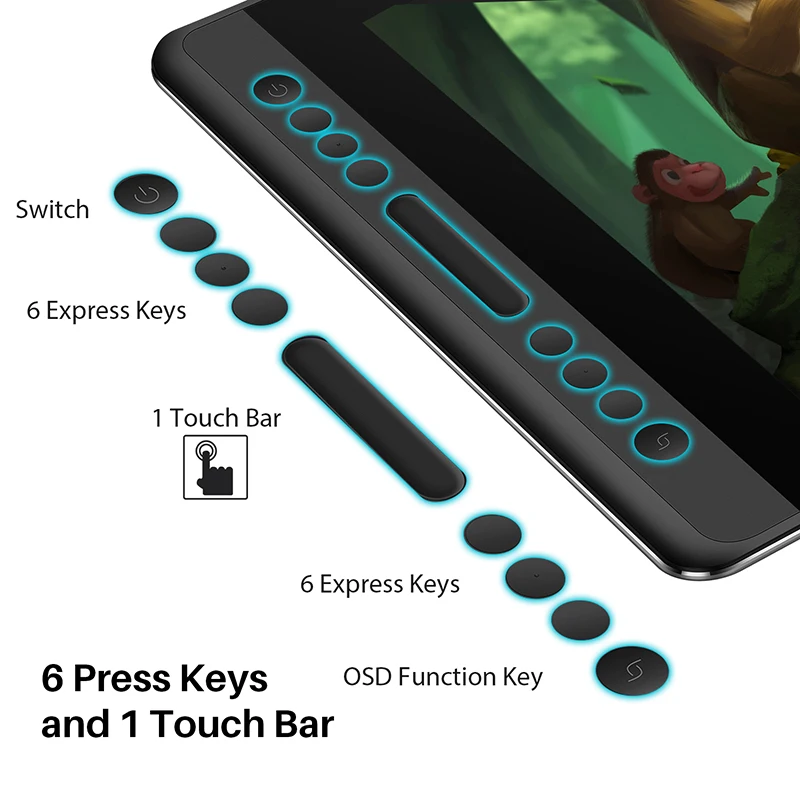
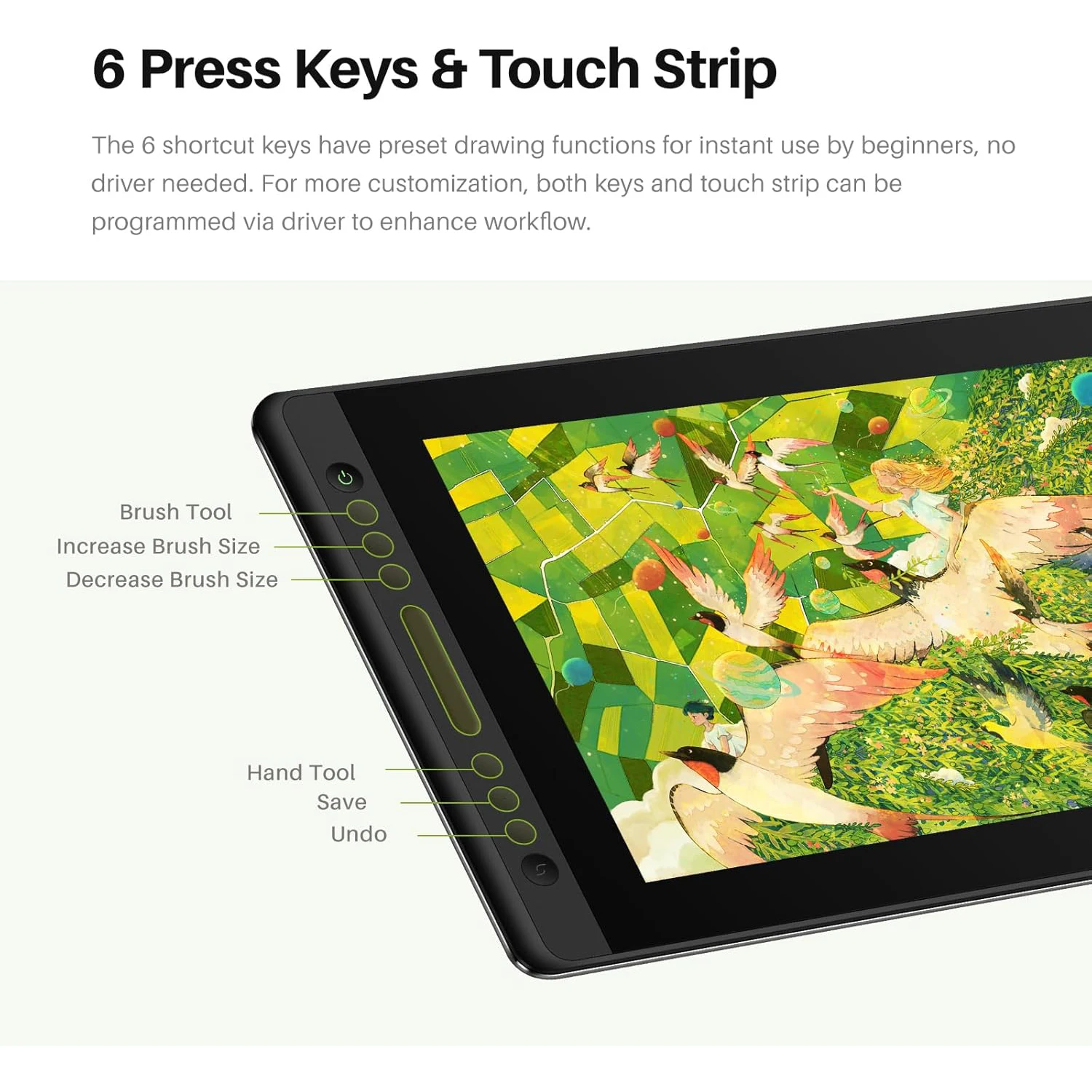
Shortcut Key: 6 customized shortcut keys
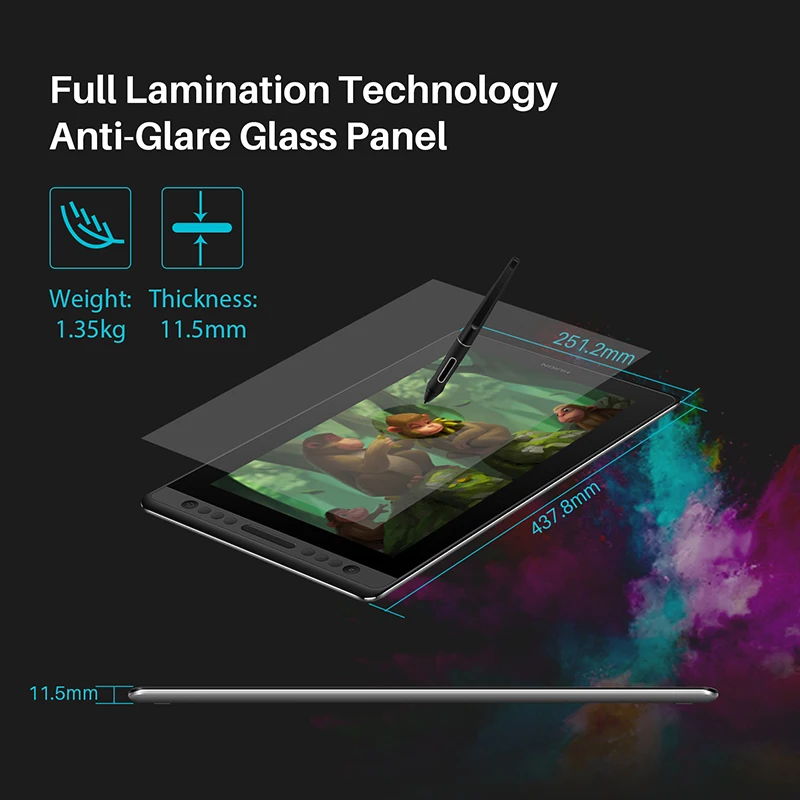
Tablet Width: 251.2 mm
Tablet length: 437.8 mm
Type: Pen Tablet Monitor,Digital Tablets,Pen Tablet Monitor
Video Signal Interface: Type-C
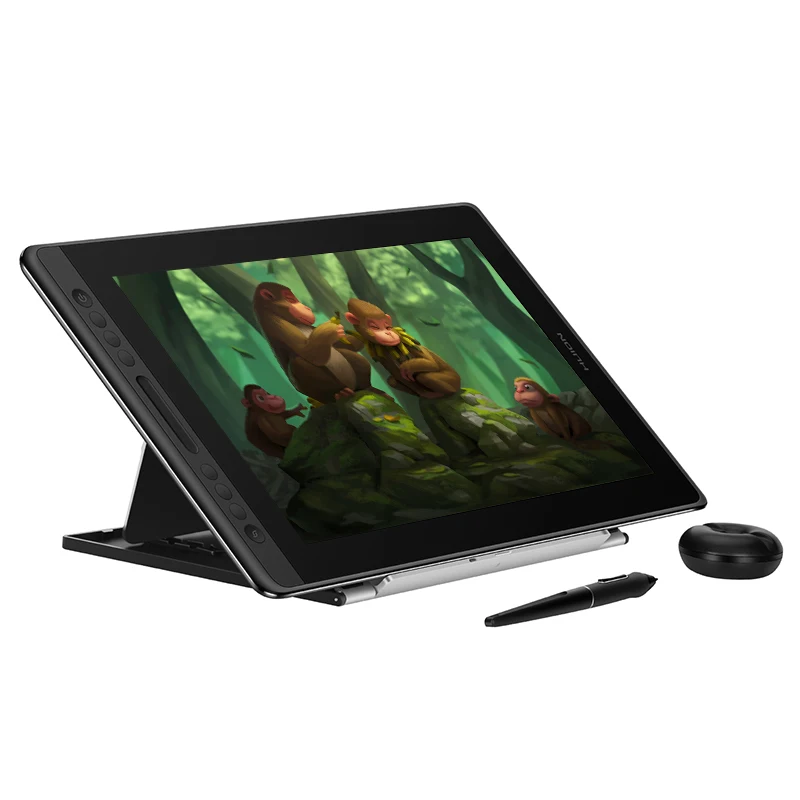
1. Kamvas Por 16
Large screen with high resolution.
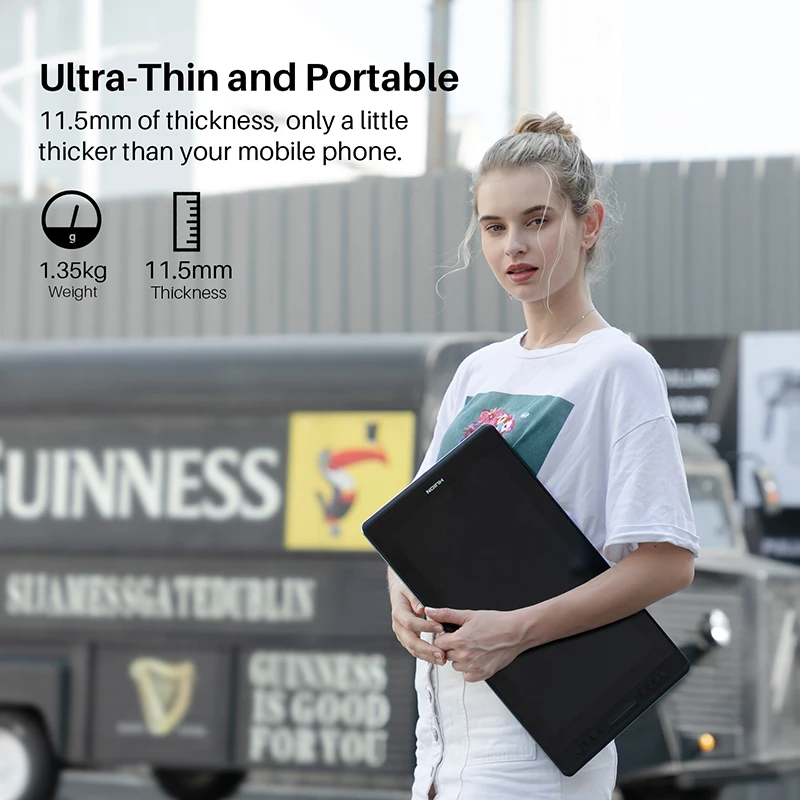
Brightness and exquisite details. The 15.6 inch screen not only satisfies your expectation for sufficient working area but also offers you great convenience as it is easy to be carried around.
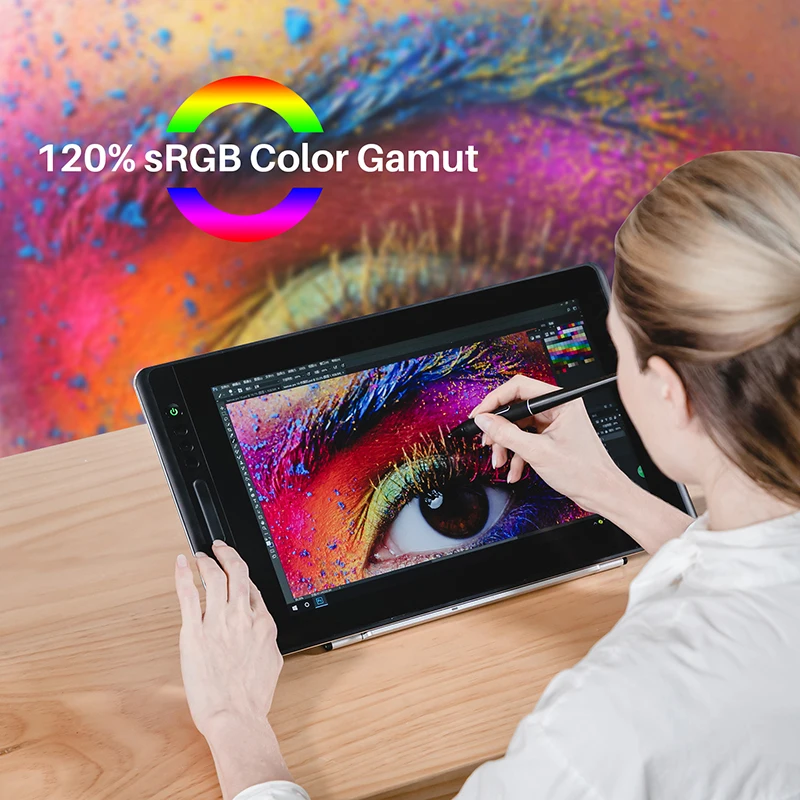
More true to life colors.
16.7 million colors brought by 120%sRGB enables your Kamvas Pro 16 to better present the colors applied to your works.
Everything you look is clear.
Kamvas Pro 16 ensures impeccable visual effects viewed at angles vary from -89° to +89°, while maintaining natural colors and high-quality images.
Stunning brightness and clearness.
The durable AG glass helps to make the screen clearer and its matte finishing ensures you a pen-on-paper drawing experience.
Full-laminated screen.
Full lamination crafts applied to Kamvas Pro 16 ensures seamless contact between the ultra-slim AG glass and the LCD screen, which realizes that cursor on the screen will follow tight to the movement of your pen nib and minimize the parallax.
Smooth and constant lines input.
Embrace the smooth drawing experience you have never tried before with 266PPS report rate brought by Kamvas Pro 16.
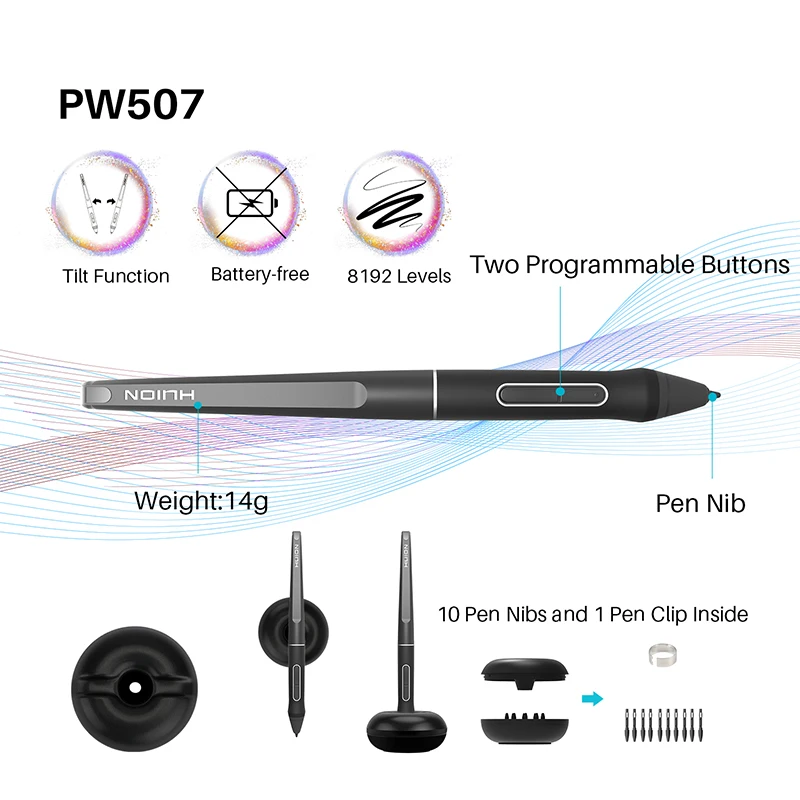
±60° tilt support is available for imitating strokes in various shapes, bringing you a more innovative work.
An pen for incredible work.
Digital pen PW507 that needs no charge is developed with the battery-free technology, which will ensure you an immersive drawing experience.
Express your ideas precisely.
8192 levels of pressure sensitivity allows you to draw accurately in a variety of ways based on subtle differences in pressure. Therefore, your work will be more vibrant with diverse lines and layers.
2. Kamvas Pro 16 V2
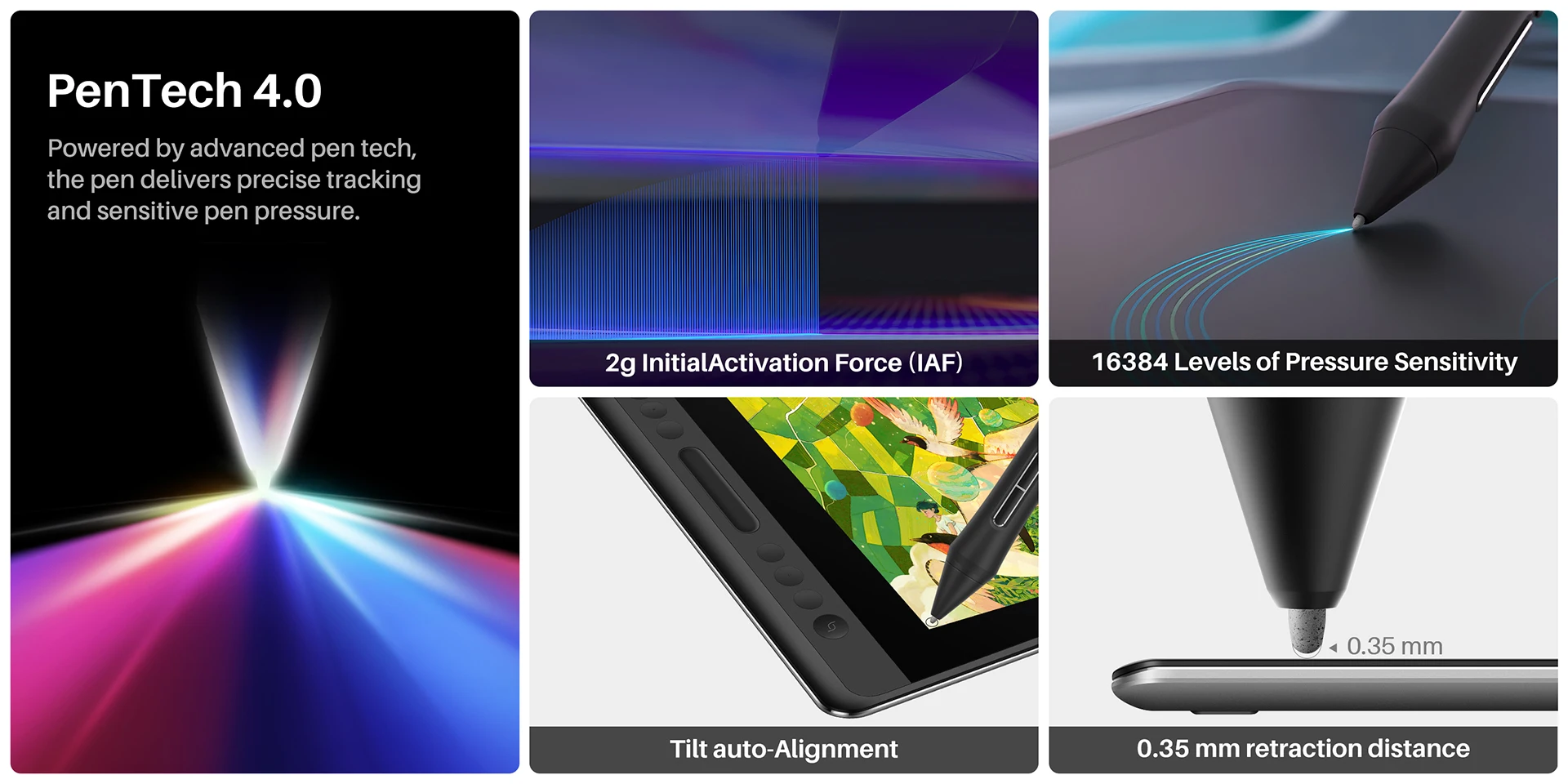
Upgraded version of Kamvas Pro 16, enhanced pen experience powered by PenTech 4.0, accurate color, Canvas Glass 2.0, durable metal backcase
What is the difference between Kamvas Pro 16 and Kamvas Pro 16 (V2)?
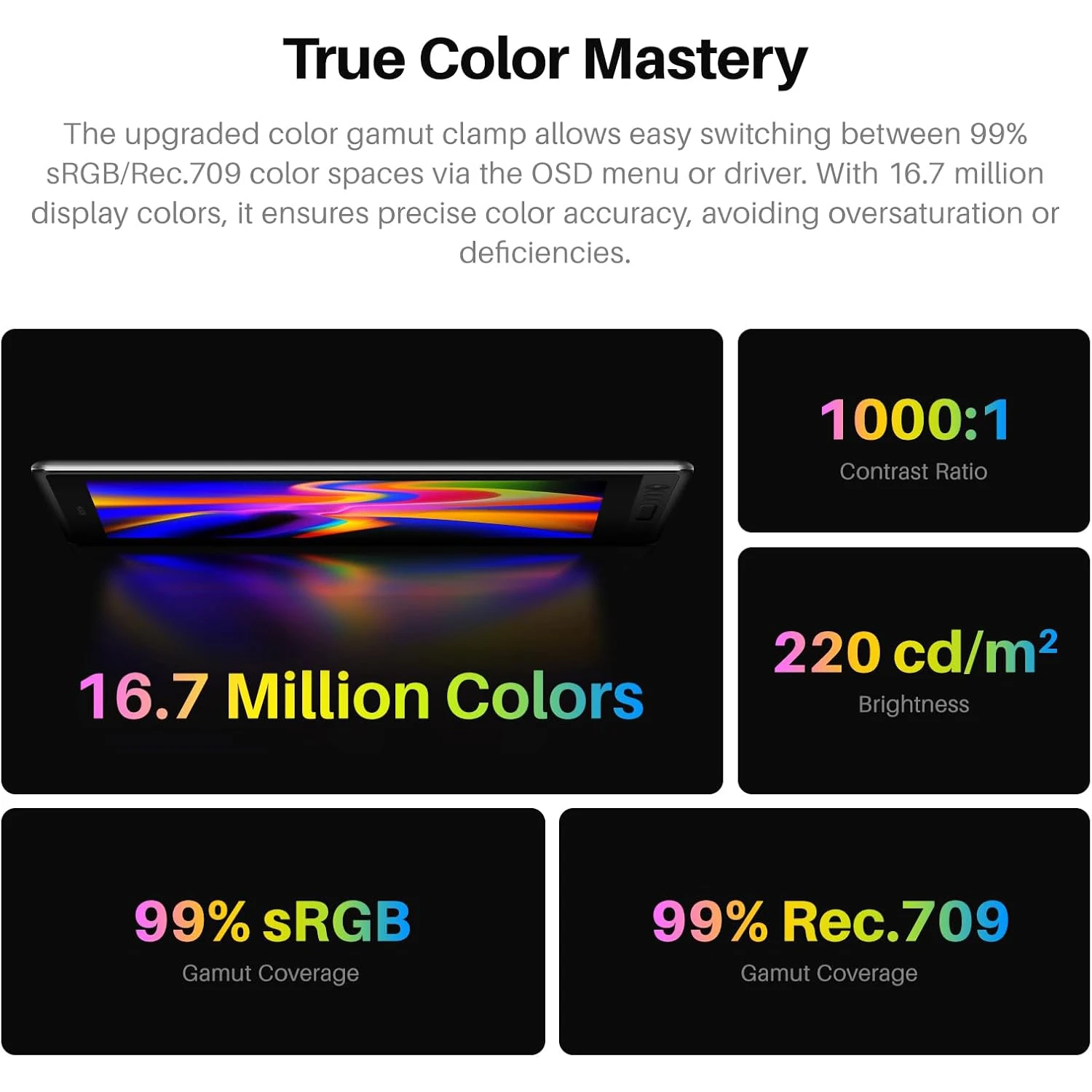
What color modes does the Huion Kamvas Pro 16 (V2) support?
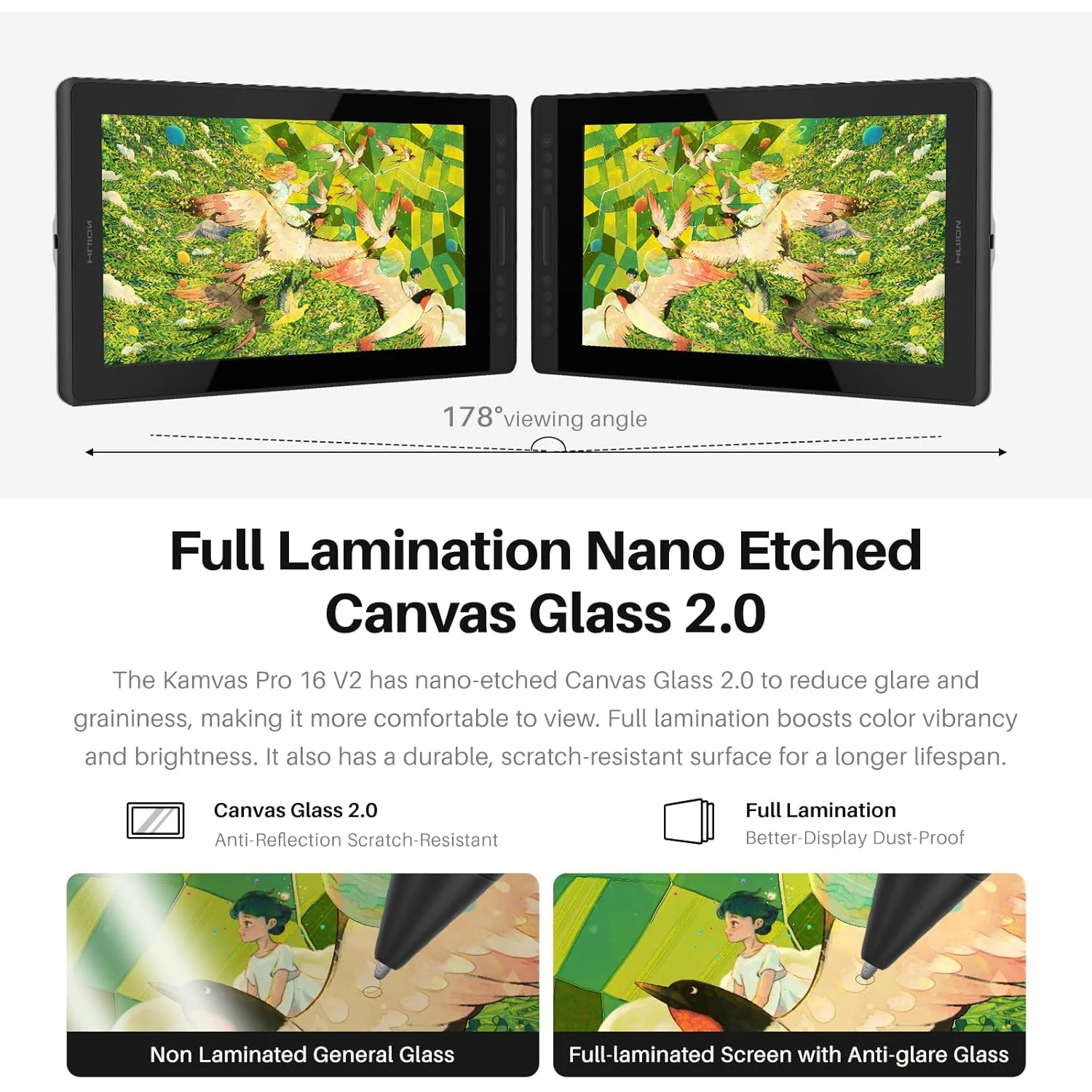
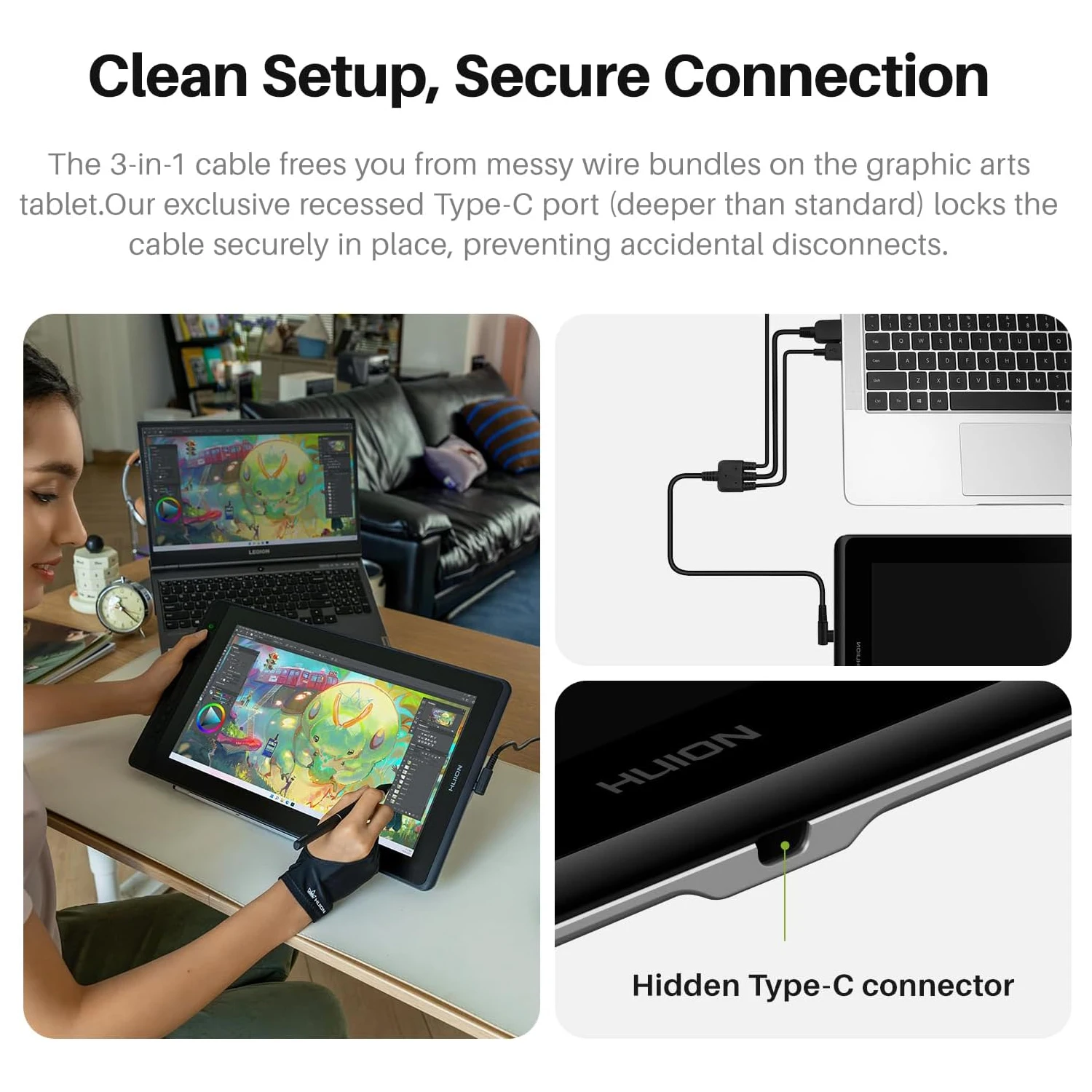
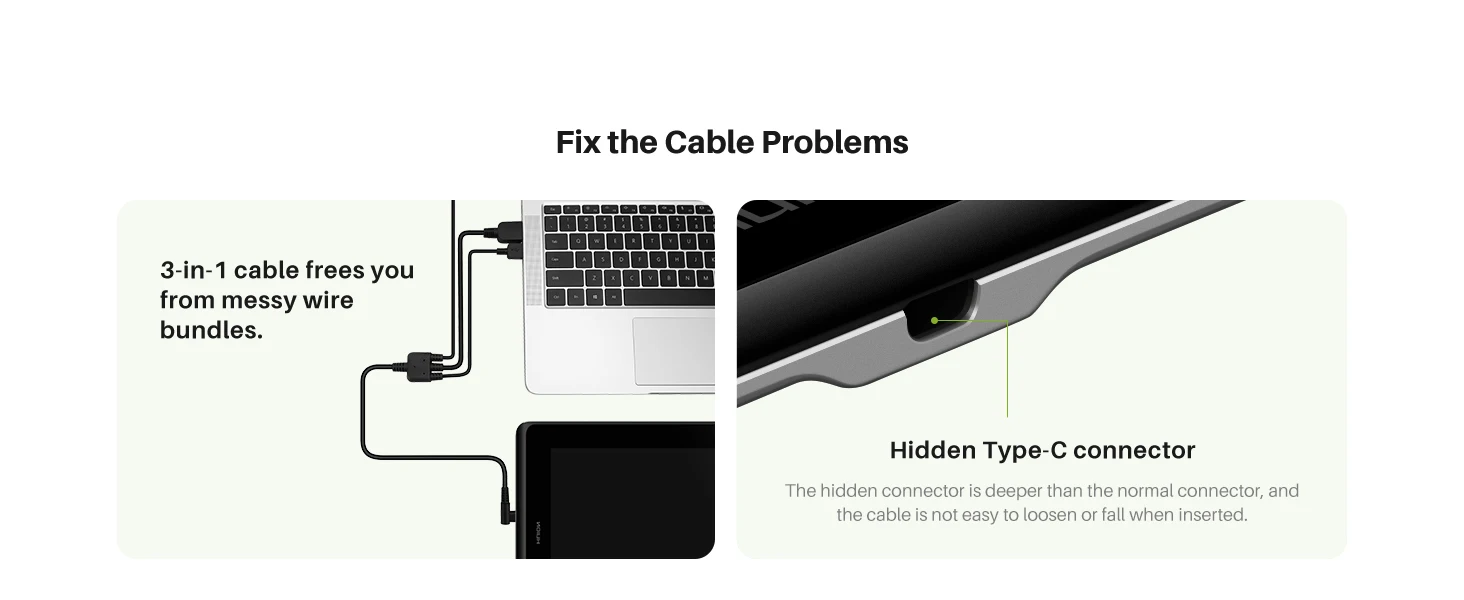
Does the Huion Kamvas Pro 16 (V2) support a one-cable connection?
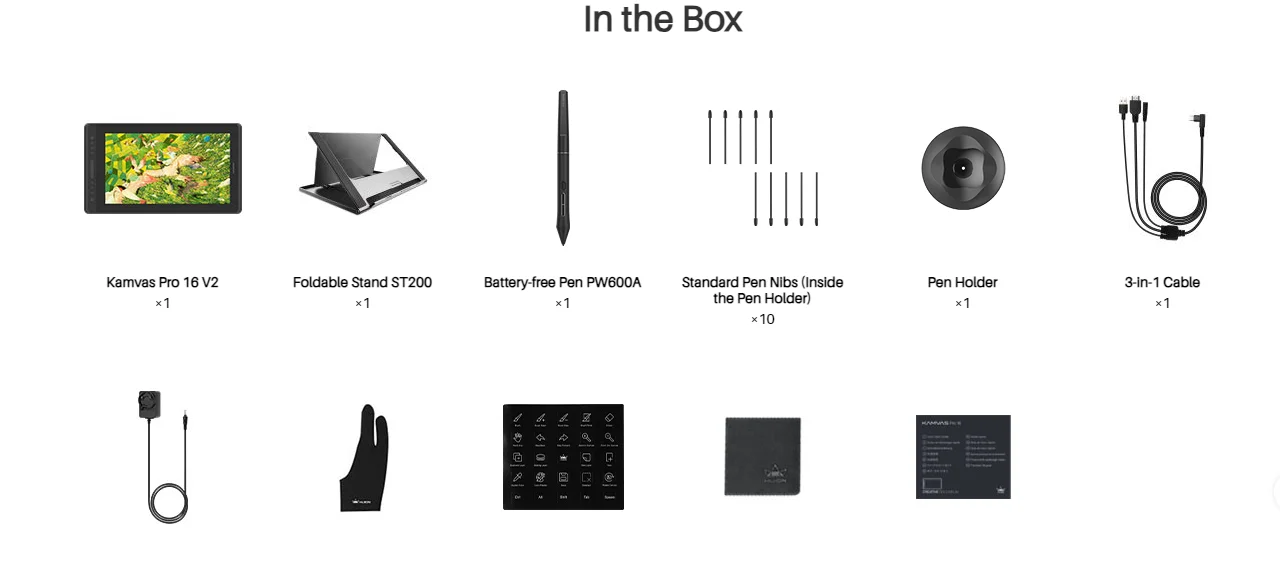
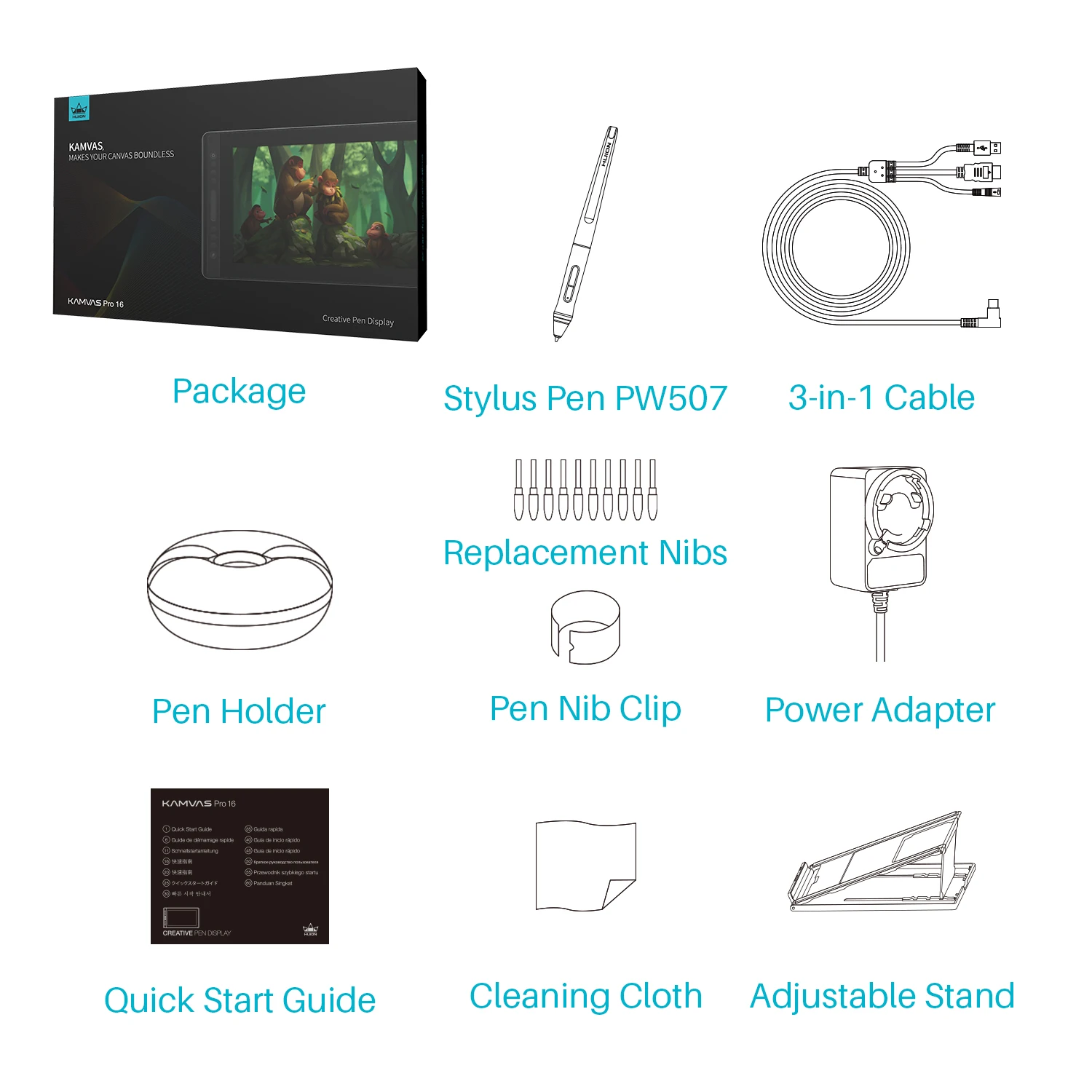
Package Content: Kamvas pro 16 V2 pen display, foldable ST200, pen PW600A, pen holder, 10 standard pen nibs in the pen holder, 3-in-1 cable (about 1.8m length), power adapter(about 1.5m length), artist glove, shortcut key sticker, cleaning cloth, quick start guide.