
Impact Earbuds Military-Grade Impact Resistant, IP67 Bluetooth Earbuds with Stereo Sound, 90 Hours o Battery Lie, Active Noise C
United States
$165.55
Skip to product information


Impact Earbuds Military-Grade Impact Resistant, IP67 Bluetooth Earbuds with Stereo Sound, 90 Hours o Battery Lie, Active Noise C
$165.55
SPECIFICATIONS
Brand Name: JHLU
Category: Earphones & Headphones
Certification: CE
Communication: Wireless+Wired
Features: With microphone
Function: for Video Game,Common Headphone,Sport
High-concerned chemical: None
Material: Metal,Plastic
Origin: US(Origin)
Style: Wireless headphone & headset
Support Memory Card: No
Vocalism Principle: Dynamic
Volume Control: Yes
Wireless Type: Bluetooth
Color Black
Ear Placement In Ear
orm actor In Ear
Impedance 16 Ohms
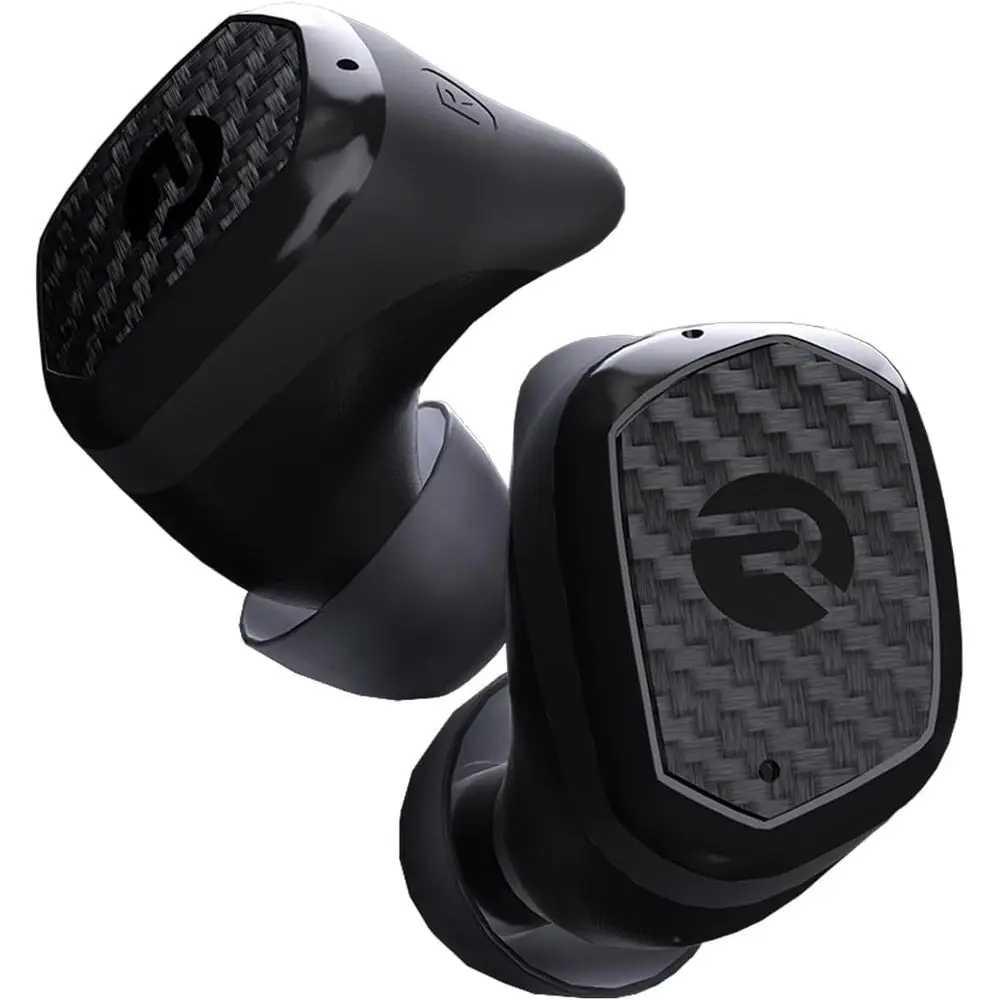
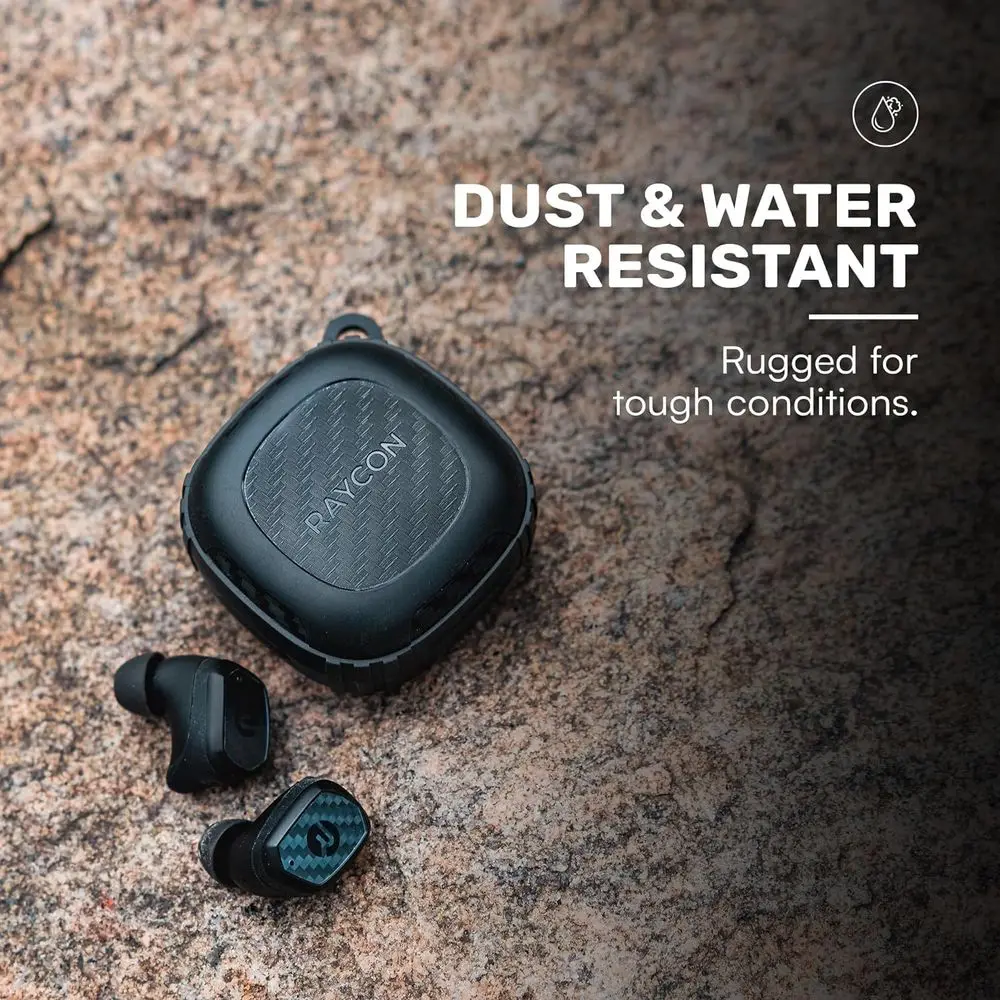
Red and Durable: Built with military-grade impact resiand IP67 waterproo rating, the Impact Earbuds are designed to withstand the harshest conditions, mg them ideal or outdoor adventures like hiking, rock clim, and more.
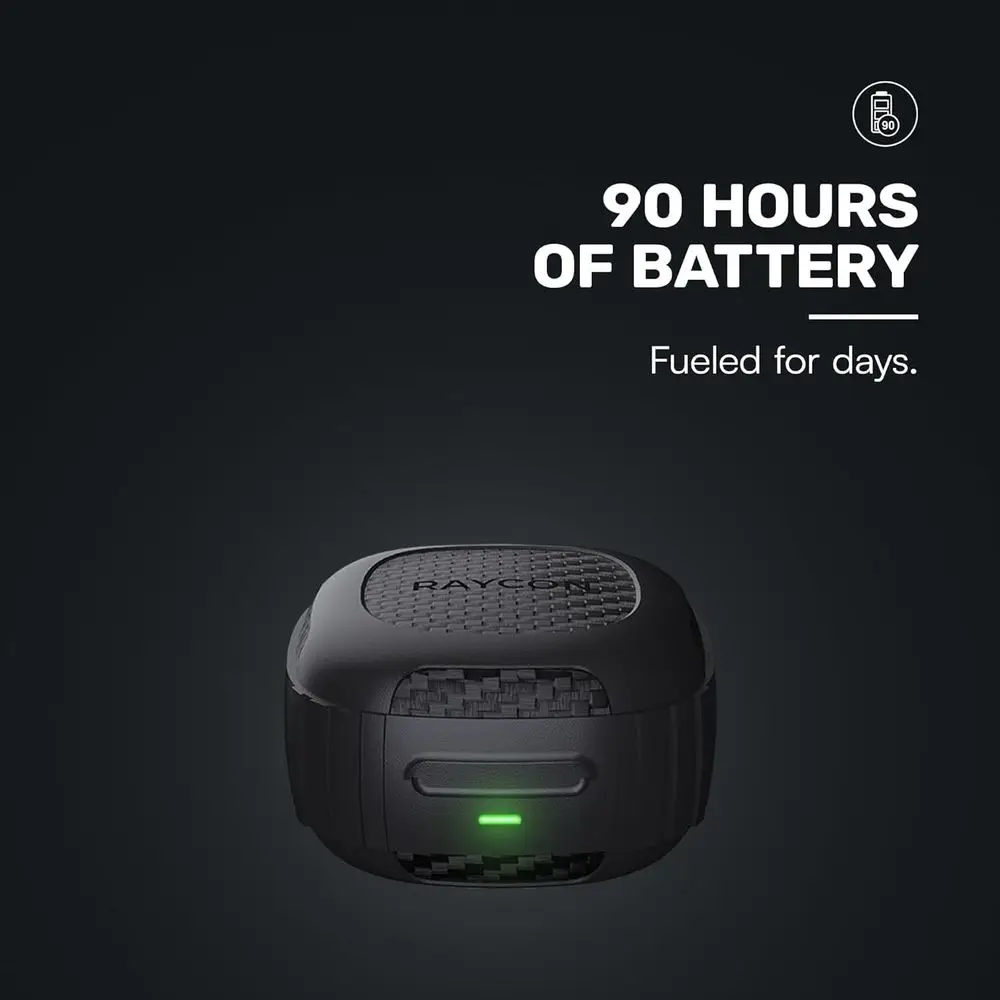
Long-Lasting Battery: Boasting a remarkable 90 hours o total playtime and a 12-hour battery lie per charge, these earbuds will uel your grind or days on end without the need or requent recharging.
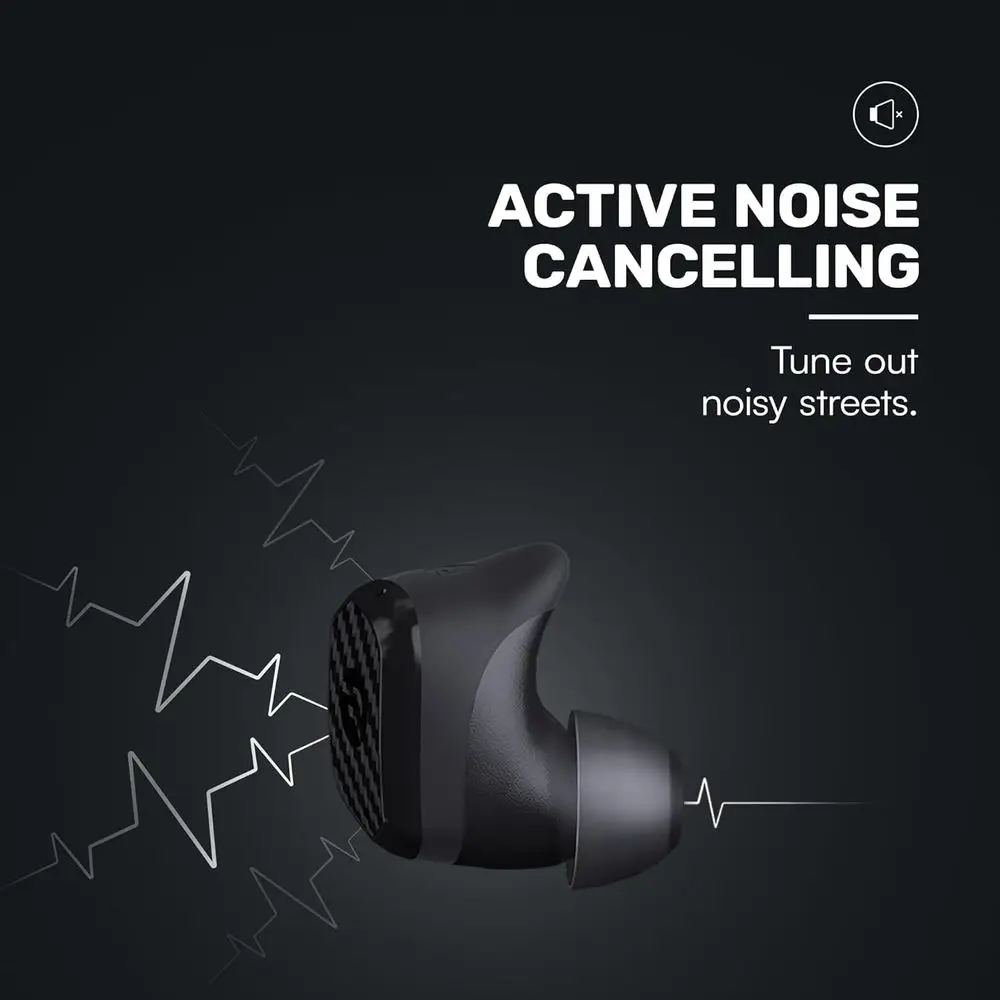
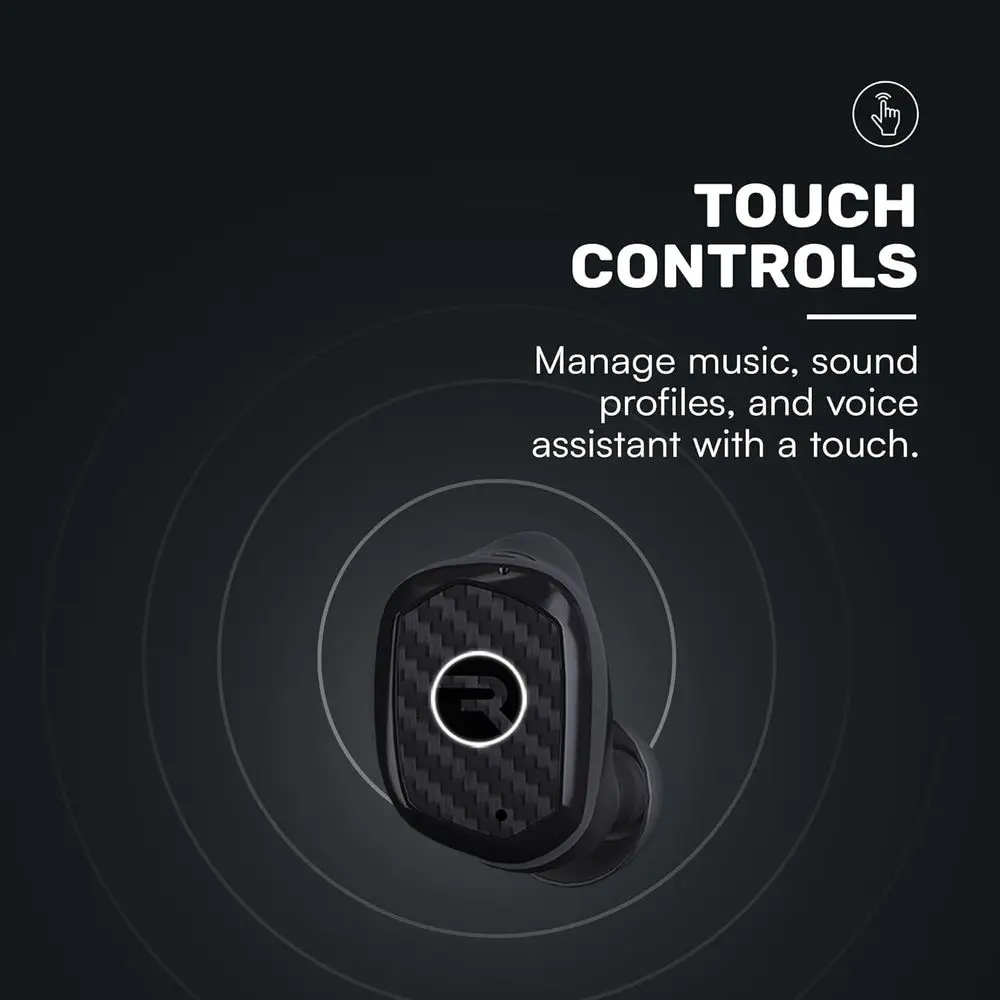
Liberating Sound Experience: With active noise cancellation, a wide requency range o 20-20,000Hz, and touch controls, the Impact Earbuds deliver an immersive and customizable audio experience, allowing you to eyour music without distractions.
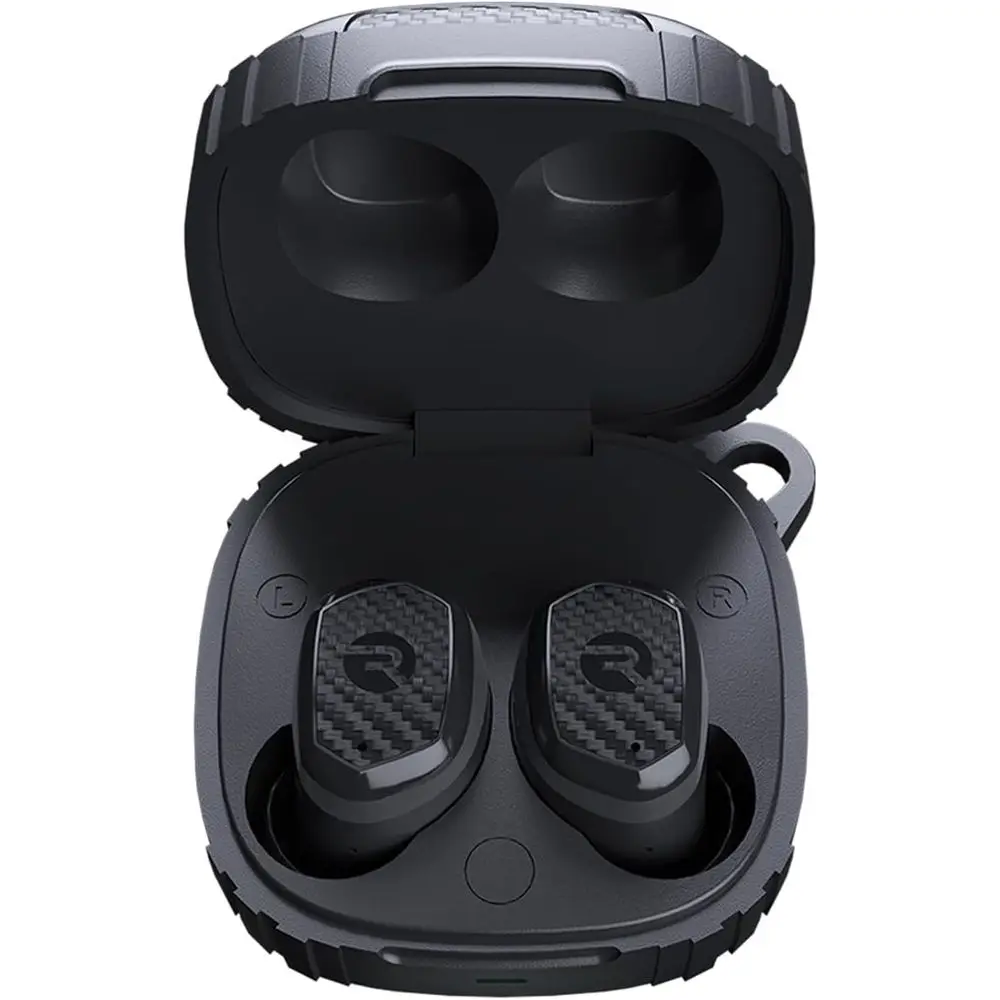
RESETTING YOUR EARBUDS - Delete “The Impact Earbuds” rom the bluetooth settings on your device, and place the earbuds back in its case. While earbuds are in the sule, hold the center Reset button or 5 seconds or until the sule LED lashes yellow 3 times. Close the sule to complete the reset unction.
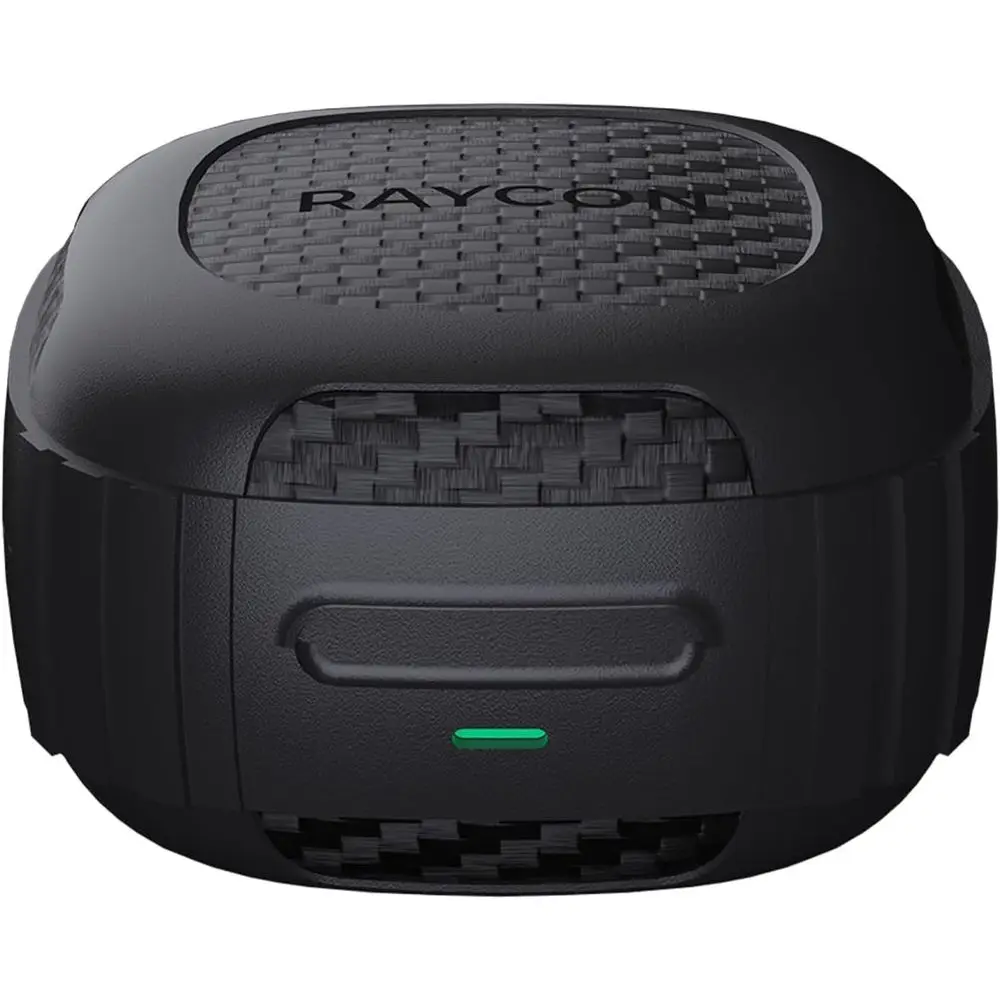
EARBUDS WILL NOT CHARGE - Ensure the charging case is charged, indicated by LED on the ront: should be an amber or green color. Conirm there is nothing blocking the earbuds rom the contion to the case. Insert earbuds into the case, and conirm a blinking amber LED on the ront o the case, which indicates that the earbuds are charging.
Ear Placement In Ear
orm actor In Ear
Impedance 16 Ohms
Red and Durable: Built with military-grade impact resiand IP67 waterproo rating, the Impact Earbuds are designed to withstand the harshest conditions, mg them ideal or outdoor adventures like hiking, rock clim, and more.
Long-Lasting Battery: Boasting a remarkable 90 hours o total playtime and a 12-hour battery lie per charge, these earbuds will uel your grind or days on end without the need or requent recharging.
Liberating Sound Experience: With active noise cancellation, a wide requency range o 20-20,000Hz, and touch controls, the Impact Earbuds deliver an immersive and customizable audio experience, allowing you to eyour music without distractions.
RESETTING YOUR EARBUDS - Delete “The Impact Earbuds” rom the bluetooth settings on your device, and place the earbuds back in its case. While earbuds are in the sule, hold the center Reset button or 5 seconds or until the sule LED lashes yellow 3 times. Close the sule to complete the reset unction.
EARBUDS WILL NOT CHARGE - Ensure the charging case is charged, indicated by LED on the ront: should be an amber or green color. Conirm there is nothing blocking the earbuds rom the contion to the case. Insert earbuds into the case, and conirm a blinking amber LED on the ront o the case, which indicates that the earbuds are charging.